The Power of Surface Tools in Onshape – Black Panther Mask
Surface design is quite overwhelming in Onshape or other CAD applications. Because of the parametric approach you need to set up, it will take time, and you might not achieve the surface you want.
Here are a few tools and techniques I recommend you use if you want to create a surface concept like Black Panther. I will divide it into these categories:
Curve tools
In Onshape and many Professional CAD software programs such as SolidWorks, Autodesk Inventor, Fusion 360, or even FreeCAD, curves are the most powerful tool for drawing surface boundaries.
With Onshape’s ability to create and manipulate 3D curves, you can create awesome, complex shapes. So here is the list of curve tools you can use in Onshape
Projected Curve is one tool to combine 2 sketches or a projected sketch into a surface (or faces) as a result of a 3D curve
Composite curve is used to turn existing edges into one curve
The 2 tools have quite the same use by creating 3d curve using points and vertices
Edit Curve is most important if you need to adjust a 3D curve curvature. So, instead of keeping the curve that has been built from the previous tools, you can adjust it with Edit Curve.
If you need a partial curve, you can Trim or Extend Curve at a point or mate connector boundaries.
- 2D Sketch
Lastly, 2D Sketch is still a powerful tool to set boundaries in the 2D plane. Therefore, we cannot ignore it.
Within those curve tools, you can create awesome surface boundaries.
Surface tools
Once you have all of your boundaries, you can create your Surface. In Onshape, you can create a surface from Open Boundaries and Closed Loop boundaries.
Let’s take a look at those tools one by one.
Open Boundaries
For Open Boundaries, all four (4) basic 3D tools can be used on it. With Open Boundaries, your surface result is very smooth but not very precise in terms of curvature matching.
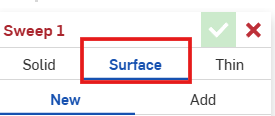
Remember that in these tools, there is a “Surface” tab.
- Extrude
In case you have a simple sketch, and your final result is a linear surface, the Extrude tool is the best fit for that. So do not seek any further; the simpler, the better
- Revolve
In case of a half-circle surface or something that has a central axis revolution, just use revolve.
- Sweep
If you have one sketch that goes around a path, use sweep to make everything simpler
- Loft
This is the most powerful tool that is mostly used in Surfacing. You will use the tool to join 2 different curves or sketches. Loft can be used for both open boundaries and closed boundaries.
Ruled Surface is quite similar to Sweep, but it is more advanced.
Closed boundaries
For closed boundaries, you can create a more precise, smooth surface curvature because you can control all parameters within it.
- Loft
As stated above, we can use the Loft feature in closed boundaries by using the closing boundaries as a guide and continuity. Besides, you can use an extra parameter as a path.
- Fill
You cannot use fill with open boundaries. Fill only works on loop curves. Like Loft, you can control your fill curvature with a guide that intersects boundaries.
Boundary Surface is quite similar to Loft. Unlike Loft, you have to assign all curves and match them within U and V orientations
Surface Modifier tools
Once you have created your surface, you often need to tweak the existing surface in order to accomplish the design goal. So here are a few tools you mostly use to modify your surface:
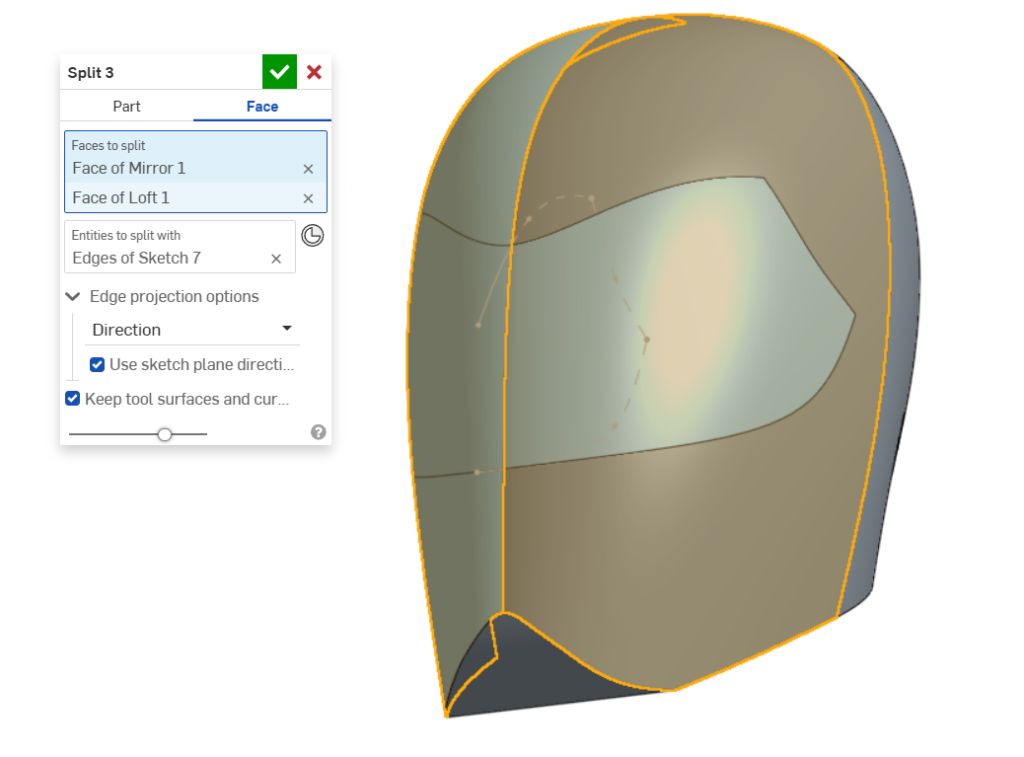
- Split
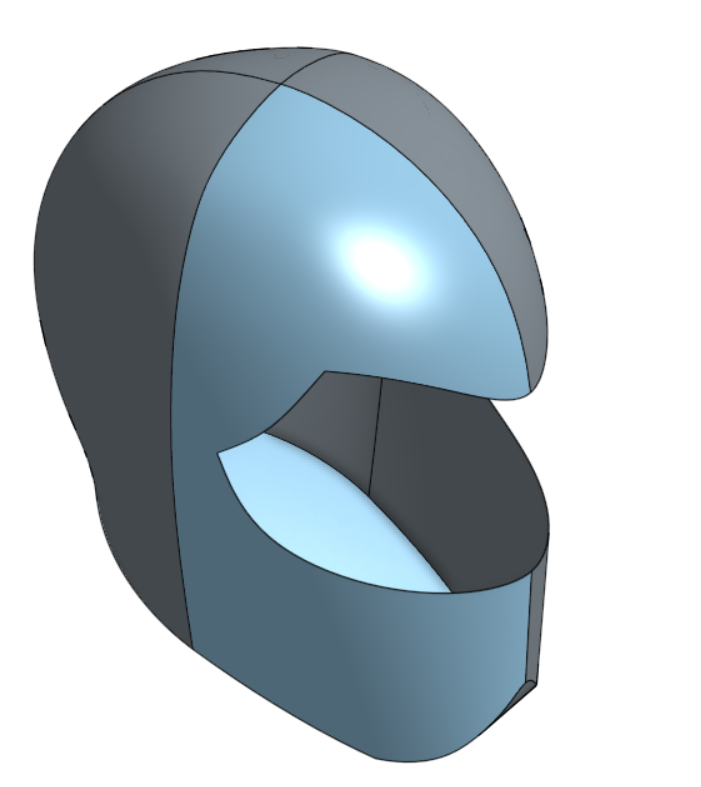
This is one of the most useful surface modifier tools, in order for you to split some surface and delete faces afterwards for some surface curvature change.
- Delete Face
After splitting, we always delete the face parts for curvature change.
- Offset Surface
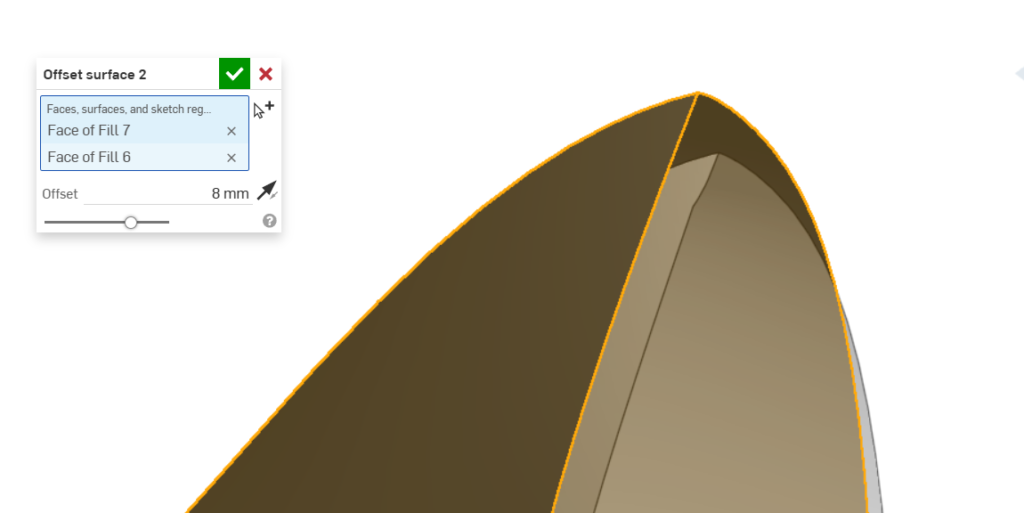
This tools also is most common in case you need to bridge 2 offseted surface for some carve or emboss pattern with the same curvature flow for example
- Move Boundary
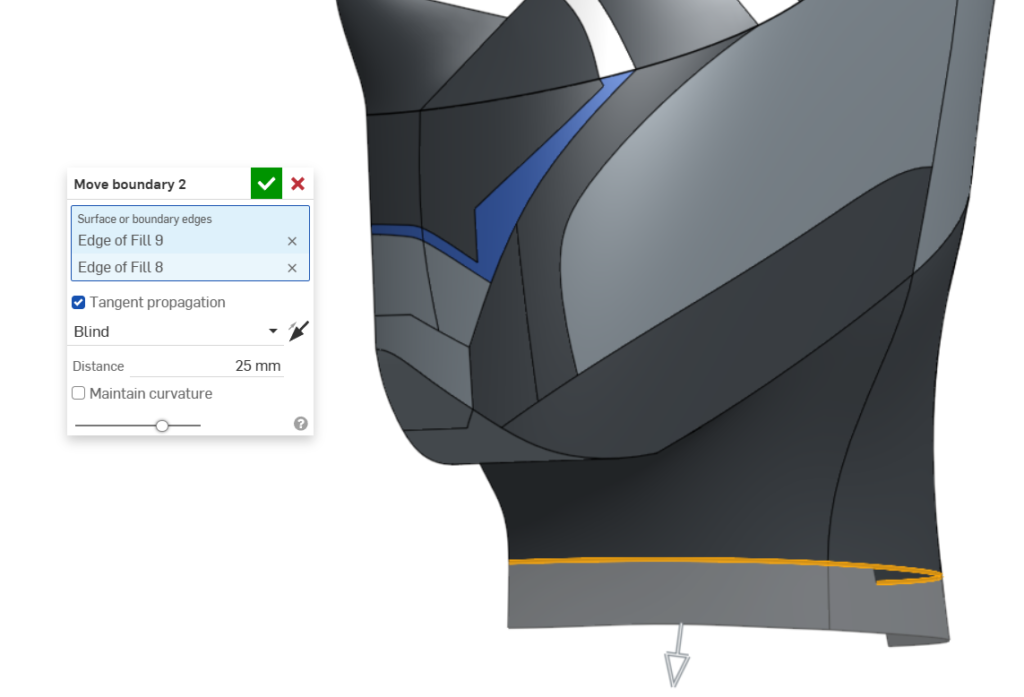
You need to move boundaries (Trim or extend) in case you want to intersect them with other Surfaces for you to use tools like Mutual trim or simple trim
- Mutual Trim
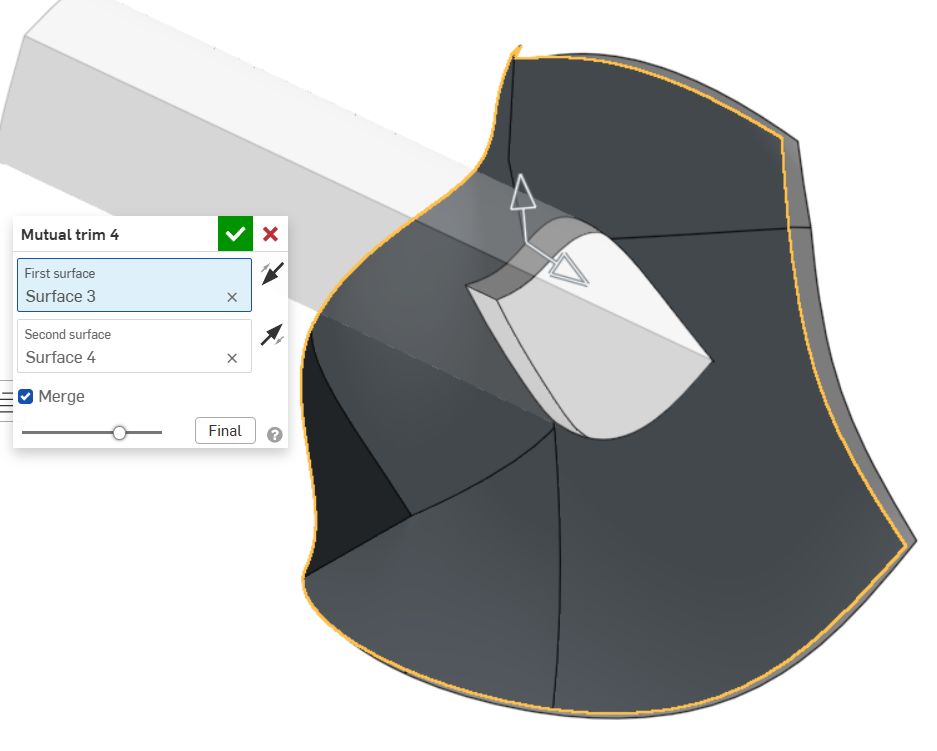
If you have two (2) surfaces that you want to trim and merge at the same time, this is the perfect tool.
Within those tools, you can create an awesome Surface concept such as a Helmet or Hero’s Masks like Black Panther Mask.
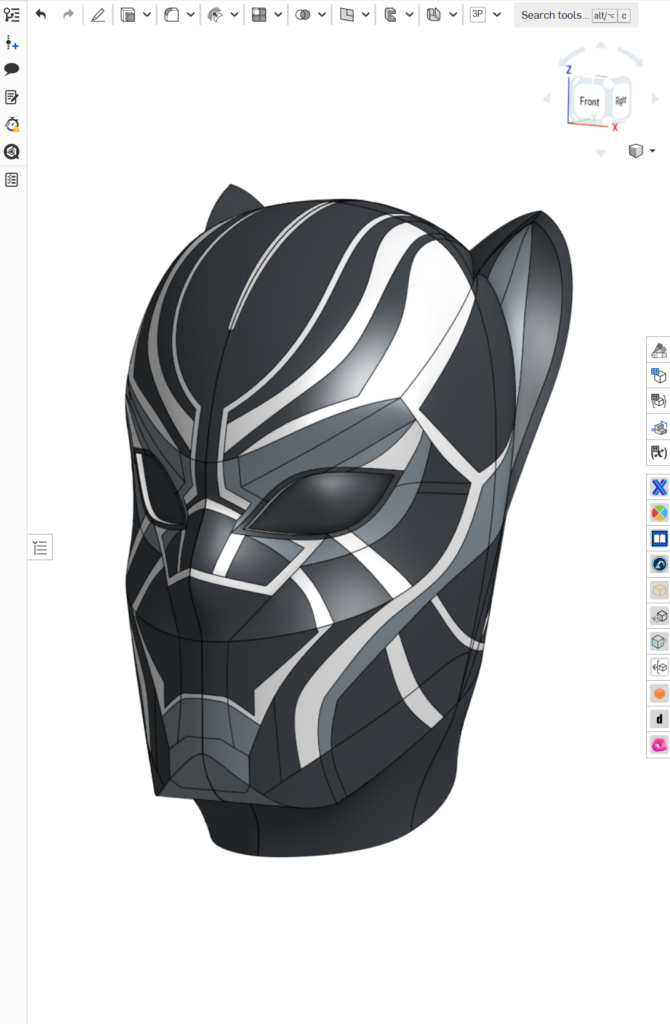
I designed this Black Panther Mask using almost all the tools I mentioned above. I generated the BluePrint of this one using Gemini.
You can download the BluePrint Here.
You can even expand your creativity by creating a Car surface bodies.
You can download the Blueprint of the Lamborghini car in the description below.
I guess this Post help you to choose the best tools for your design.
Let me know your thought about it.
See you soon
The Power of Surface Tools in Onshape – Black Panther Mask Read More »